There is a screen many people know. Settings. A long list of options, small labels, controls that look simple. And beside one of them, a help button. The interface has not managed to explain everything, but it has left a promise: if you have a question, just ask.
Great. Now you need to be able to hear the answer.
That is what we want to discuss: what happens when the help itself needs help to be usable? We can look at the same screen through three different experiences. These do not put people into boxes; they show how barriers can build on one another.
Someone new to the tool opens settings because something did not work. They do not know what the problem is called, let alone the solution. They find “reasoning effort,” “context,” “temperature.” They look for an explanation and get more vocabulary to decipher. When help explains a setting using the same terms that caused the confusion, it hands the question back, only longer.
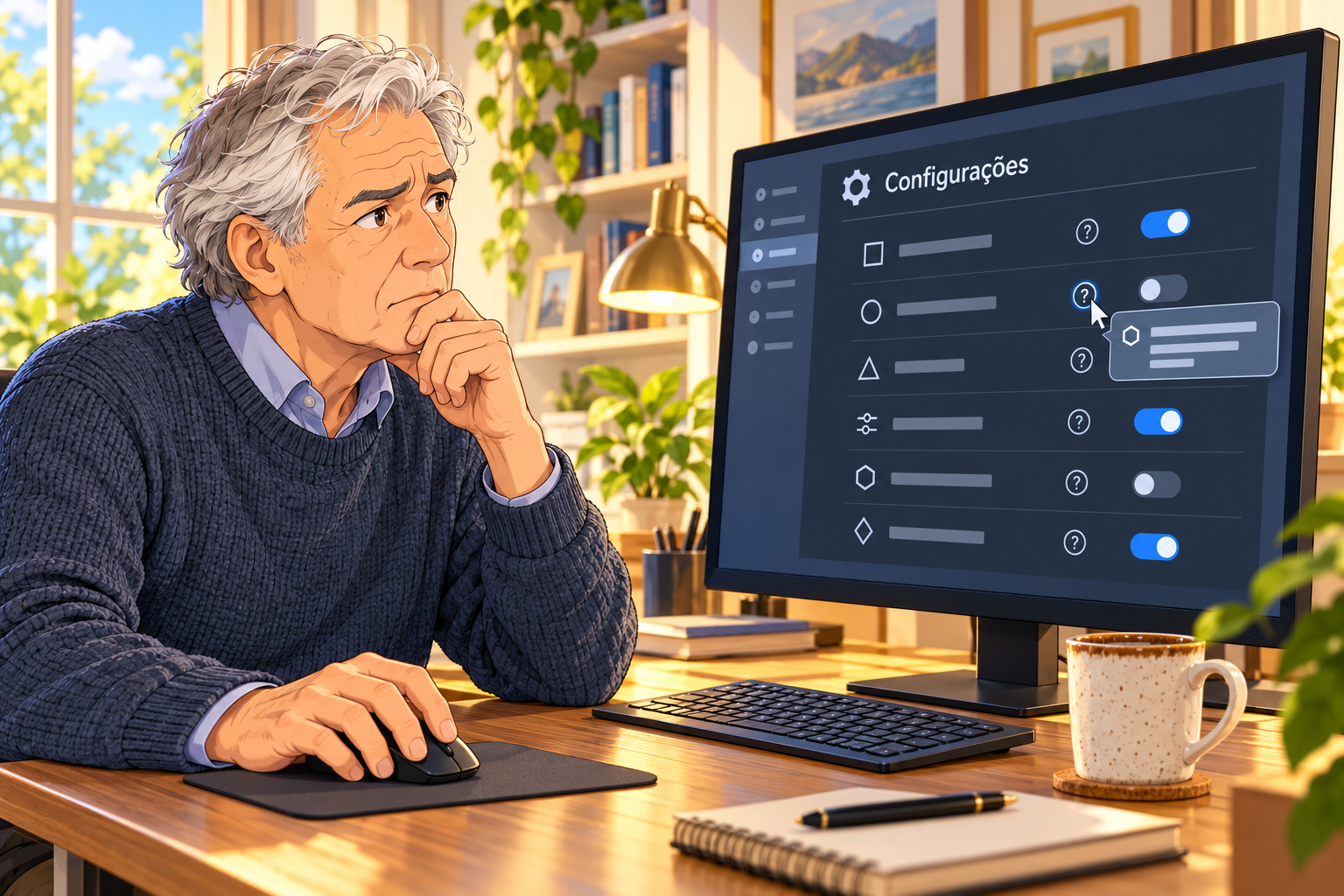
Someone who already knows the subject usually moves faster. They can interpret the terms and connect an option to what they want to do. But knowing the vocabulary does not answer everything. What does this choice change in practice? How can they tell whether it took effect? What happens when they restore the defaults? An interface can use perfectly technical names and still leave important decisions in the dark.
Now think of an experienced person with low vision. They know what they are looking for. They understand the concept. The problem may be text that does not scale with magnification, a control that is hard to locate, or an explanation that appears only while the pointer stays precisely over a tiny icon.
For someone navigating by keyboard or using a screen reader, other barriers may enter the picture. Can the control receive focus? Does it have a name that identifies it? Is the explanation available to assistive technology? Does it remain accessible long enough to be read?
If that path fails, repeating “just read the help” does not solve it. The person has already made it that far. What is missing is access to the answer.
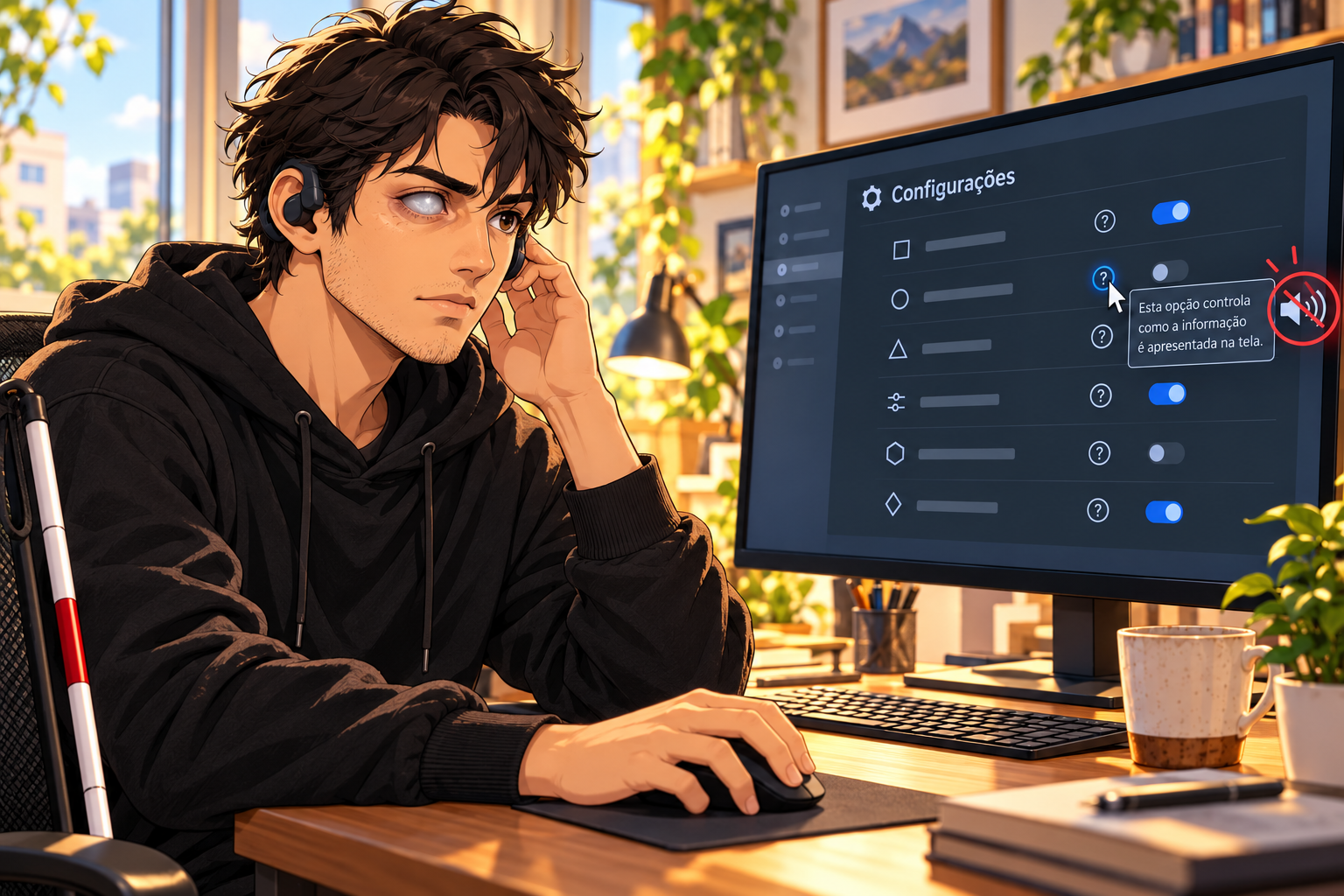
The distinction matters: knowing little about a tool and being unable to access information are different problems. They can occur together, but technical experience does not fix an inaccessible button. A person may know exactly what a setting does and still need assistance to operate it.
And that assistance has a cost when it becomes the only way through. Asking someone to find the control, read the screen aloud, repeat the steps, explain once more where it was. The work stops being configuring the tool and becomes reaching its settings. Independence is being spent before the task even starts.
Looking at a screen does not tell us whether testing, time, or priority was missing. Nor do we need to guess the designer’s intention to discuss the consequence. When help depends on the very ability a person is trying to compensate for, it fails at a central part of its purpose.
Technical guidance already exists for building identifiable controls that work with assistive technology. The problem does not begin with having no name for the solution. It begins in the gap between guidance existing and the path working for those who need it.
A help button does not need to speak on its own or make everyone listen to audio. It needs to let information reach people through the means they use: visual reading, magnification, a keyboard, or a screen reader. That should be part of help from the start.
The remaining question is practical: how do these tools check that a person can find, open, and understand an explanation without depending on someone else? We want to learn about the tests, the paths that work, and the answers for those that still fail.
If you have encountered help you could not access, you can share your experience through Kuaapy’s private reporting channel. It is that path, between the button and the answer, that we want to understand better.